imageimage
Schedule a Call

Get in Touch

  • Email Now
    contact@indusvalley.io
  • Headquarters
    Long Meadows Road Bedminster, New Jersey, 07921 United States
Social Link
  • Instagram
  • LinkedIn
  • X
  • Facebook
  • Youtube
  • Home
  • Services
    • AI Development
      • Generative AI
      • Machine Learning
      • Predictive Analytics
    • Mobile App Development
      • iOS App Development
      • Android App Development
      • Cross Platform App Development
    • Web Development
    • Digital Marketing
      • SEO
      • Social Media Marketing
      • Performance Marketing
      • Content Marketing
    • Design
      • UI/UX Design
      • Logo & Branding
      • Video Animation
    • IT Staff Augmentation
    • Cloud Services
  • IVY
  • Chat With IVY
  • Portfolio
  • Blogs
  • About Us
  • Contact Us
imageimage
image
  • Home
  • Services
    • AI Development
      • Generative AI
      • Machine Learning
      • Predictive Analytics
    • Mobile App Development
      • iOS App Development
      • Android App Development
      • Cross Platform App Development
    • Web Development
    • Digital Marketing
      • SEO
      • Social Media Marketing
      • Performance Marketing
      • Content Marketing
    • Design
      • UI/UX Design
      • Logo & Branding
      • Video Animation
    • IT Staff Augmentation
    • Cloud Services
  • IVY
  • Portfolio
  • Blogs
  • About Us
  • Contact Us
  • Sun-Tue (9:00 am-7.00 pm)
  • infoaploxn@gmail.com
  • +91 656 786 53
Get in Touch
Schedule a CallLet's Talk

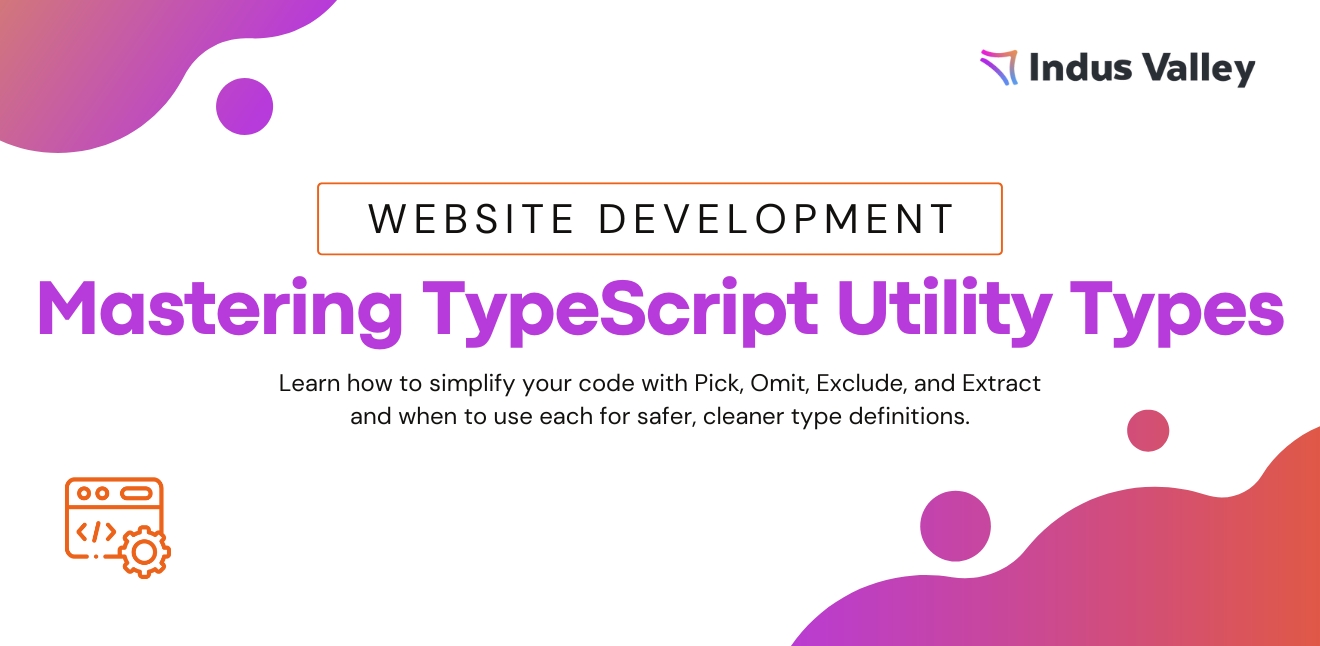
Developer Insights & Best Practices / Understanding TypeScript Utility Types: Omit, Pick, Exclude, and Extract

Understanding TypeScript Utility Types: Omit, Pick, Exclude, and Extract
6/30/2025 | Ateeb Khan

Understanding TypeScript Utility Types: Omit, Pick, Exclude, and Extract

TypeScript provides powerful utility types to manipulate and transform existing types. Among them, Omit, Pick, Exclude, and Extract are commonly used for type operations. While they may seem similar, each serves a distinct purpose.

In this blog post, we’ll explore:

  1. What each utility type does
  2. Key differences between them
  3. Practical use cases

1. Pick<Type, Keys> – Select Specific Properties

Pick creates a new type by selecting only the specified properties from an existing type.

Syntax:

Pick<Type, "key1" | "key2"> 

Example

interface User {

  id: number;

  name: string;

  email: string;

  age: number;

}

type UserBasicInfo = Pick<User, "name" | "email">;

// Equivalent to: { name: string; email: string; }

Use Case:

  1. Extracting a subset of properties from a larger type (e.g., API response filtering).

2. Omit<Type, Keys> – Remove Specific Properties

Omit does the opposite of Pick—it removes specified properties from a type, keeping the rest.

Syntax:

Omit<Type, "key1" | "key2"> 

Example:

interface User {

  id: number;

  name: string;

  email: string;

  age: number;

}

type UserWithoutId = Omit<User, "id">;

// Equivalent to: { name: string; email: string; age: number; }

Use Case:

  • Excluding sensitive fields (e.g., password, id) before sending data to a client.

3. Exclude<UnionType, ExcludedMembers> – Filter Union Types

Exclude removes specific members from a union type.

Syntax:

Exclude<UnionType, "value1" | "value2"> 

Example:

type Status = "pending" | "completed" | "failed";

type NonFailedStatus = Exclude<Status, "failed">;

// Equivalent to: "pending" | "completed"

Use Case:

  • Narrowing down allowed values in a discriminated union.

4. Extract<UnionType, Match> – Keep Matching Union Members

Extract does the opposite of Exclude—it keeps only the matching members from a union.

Syntax:

Extract<UnionType, "value1" | "value2"> 

Example:

type Status = "pending" | "completed" | "failed";

type OnlyCompleted = Extract<Status, "completed">;

// Equivalent to: "completed"

Use Case:

  • Extracting specific variants from a union (e.g., filtering valid statuses).

Key Differences Summary

Object types: Selects specific properties Omit

Object types: Removes specific properties Exclude

Union types: Removes matching members Extract

Union types: Keeps only matching members

When to Use Each?

  • Use Pick/Omit when working with objects.
  • Use Exclude/Extract when working with union types.

Example Combining Them:

type User = { id: number; name: string; role: "admin" | "user" };

type PublicUser = Omit<User, "id"> & { role: Extract<User["role"], "user"> };

// Result: { name: string; role: "user" }

Conclusion

Understanding these utility types helps in:

  • Writing cleaner type definitions
  • Reducing redundancy
  • Improving type safety

By mastering Pick, Omit, Exclude, and Extract, you can manipulate TypeScript types more effectively.

Related Blogs

Explore More
How I Fixed My Flutter Dependency Chaos (And Made My App Faster)
  • September 09, 2025

How I Mastered Flutter Dependencies and Made My App Super Scalable

Node.js 101: How to Build Your First HTTP Server
  • September 03, 2025

Node.js 101: How to Build Your First HTTP Server

Type-Safe API Calls in TypeScript with Just 30 Lines of Code
  • August 12, 2025

Type-Safe API Clients in 30 Lines of TypeScript

Our Trusted
Partner.

Unlock Valuable Cloud and Technology Credits

Imagine reducing your operational costs by up to $100,000 annually without compromising on the technology you rely on. Through our partnerships with leading cloud and technology providers like AWS (Amazon Web Services), Google Cloud Platform (GCP), Microsoft Azure, and Nvidia Inception, we can help you secure up to $25,000 in credits over two years (subject to approval).

These credits can cover essential server fees and offer additional perks, such as:

  • Google Workspace accounts
  • Microsoft accounts
  • Stripe processing fee waivers up to $25,000
  • And many other valuable benefits

Why Choose Our Partnership?

By leveraging these credits, you can significantly optimize your operational expenses. Whether you're a startup or a growing business, the savings from these partnerships ranging from $5,000 to $100,000 annually can make a huge difference in scaling your business efficiently.

The approval process requires company registration and meeting specific requirements, but we provide full support to guide you through every step. Start saving on your cloud infrastructure today and unlock the full potential of your business.
exclusive-partnersexclusive-partners
E-Commerce

Shopify

Hosting

Hostinger

Technology

Sentry

CMS

Hubspot

MARKETING

Semrush

HOSTING

Namecheap

Productivity

Evernote

Hosting

Bluehost

Success Stories

Explore More

Fynder.AI

Underdog Apparel

Toast DXB

Let's TALK

Let's TALK and bring your ideas to life! Our experienced team is dedicated to helping your business grow and thrive. Reach out today for personalized support or request your free quote to kickstart your journey to success.

Connect Us
Contact Now
DIGITAL PRODUCTUI/UX DESIGNDIGITAL STUDIOBRANDING DESIGNUI/UX DESIGNEMAIL MARKETINGBRANDING DESIGNUI/UX DESIGNEMAIL MARKETING
DIGITAL PRODUCTUI/UX DESIGNDIGITAL STUDIOBRANDING DESIGN

Subscribe our newsletter

Company

  • About Us
  • Portfolio
  • Blogs
  • IVY
  • Services
  • Contact Us
UI/UX DESIGN
EMAIL MARKETING
BRANDING DESIGN
UI/UX DESIGN
EMAIL MARKETING

Our Services

  • AI Development
  • Web Development
  • Mobile App Development
  • Digital Marketing
  • IT Staff Augmentation
  • Facebook
  • Youtube
  • X
  • Linkedin
  • Instagram
footer-logo
  • Email Now
    contact@indusvalley.io

Copyright © 2025 Indus Valley Technologies | All rights reserved ®

Terms & ConditionsPrivacy Policy