imageimage
Schedule a Call

Get in Touch

  • Email Now
    contact@indusvalley.io
  • Headquarters
    Long Meadows Road Bedminster, New Jersey, 07921 United States
Social Link
  • Instagram
  • LinkedIn
  • X
  • Facebook
  • Youtube
  • Home
  • Services
    • AI Development
      • Generative AI
      • Machine Learning
      • Predictive Analytics
    • Mobile App Development
      • iOS App Development
      • Android App Development
      • Cross Platform App Development
    • Web Development
    • Digital Marketing
      • SEO
      • Social Media Marketing
      • Performance Marketing
      • Content Marketing
    • Design
      • UI/UX Design
      • Logo & Branding
      • Video Animation
    • IT Staff Augmentation
    • Cloud Services
  • IVY
  • Chat With IVY
  • Portfolio
  • Blogs
  • About Us
  • Contact Us
imageimage
image
  • Home
  • Services
    • AI Development
      • Generative AI
      • Machine Learning
      • Predictive Analytics
    • Mobile App Development
      • iOS App Development
      • Android App Development
      • Cross Platform App Development
    • Web Development
    • Digital Marketing
      • SEO
      • Social Media Marketing
      • Performance Marketing
      • Content Marketing
    • Design
      • UI/UX Design
      • Logo & Branding
      • Video Animation
    • IT Staff Augmentation
    • Cloud Services
  • IVY
  • Portfolio
  • Blogs
  • About Us
  • Contact Us
  • Sun-Tue (9:00 am-7.00 pm)
  • infoaploxn@gmail.com
  • +91 656 786 53
Get in Touch
Schedule a CallLet's Talk

Developer Insights & Best Practices / Diving Deep: My Journey with Advanced Flutter Animations and Custom Painters

Diving Deep: My Journey with Advanced Flutter Animations and Custom Painters
4/28/2025 | Muneeb Sikandar

Diving Deep: My Journey with Advanced Flutter Animations and Custom Painters

Flutter’s animation capabilities have always fascinated me. With a wide range of pre-built widgets and tools, creating engaging user experiences is quite straightforward. But when I needed truly unique and bespoke animations, I found myself venturing into the realm of CustomPaint. By combining the power of CustomPaint with Flutter’s animation framework, I discovered a world of possibilities that went beyond conventional widgets.

In this blog post, I’ll walk you through my journey of creating advanced Flutter animations using CustomPaint. I’ll share key concepts, practical examples, and the lessons I’ve learned along the way.

Understanding the Basics

Before I dive into advanced techniques, let me quickly recap the fundamental components:

  • CustomPaint: A widget that lets me draw custom graphics using a CustomPainter.
  • CustomPainter: A class that defines how to paint on a Canvas, where I can draw shapes, paths, text, and images.
  • Canvas: The drawing surface where all painting operations happen.
  • AnimationController: Manages the animation’s lifecycle, controlling its start, stop, and value.
  • Tween: Defines the interpolation between two values over time.
  • AnimatedBuilder: Rebuilds the widget whenever the animation value changes.

Step-by-Step Guide to Creating Advanced Flutter Animations

1. Setting Up the Animation Controller

The first step in my animation journey was setting up an AnimationController. This controller acts as the driving force behind my animations, managing their timing, speed, and repetition.

  • I initialized the controller inside the initState method.
  • Assigned a duration to define how long the animation runs.
  • Used vsync to optimize performance and prevent unnecessary resource consumption.
  • Decided whether the animation should repeat, reverse, or run only once.
class AnimatedPainterScreen extends StatefulWidget {
  @override
  AnimatedPainterScreenState createState() => AnimatedPainterScreenState();
}

class _AnimatedPainterScreenState extends State<AnimatedPainterScreen> with SingleTickerProviderStateMixin {
  late AnimationController _controller;

  @override
  void initState() {
    super.initState();
    _controller = AnimationController(
      duration: Duration(seconds: 2),
      vsync: this,
    )..repeat(reverse: true);
  }

  @override
  void dispose() {
    _controller.dispose();
    super.dispose();
  }
}


2. Defining the Animation Behavior

Once the controller was in place, I needed to define how the animation changed over time. This is where Tween and CurvedAnimation came in handy.

  • Tween determined the start and end values of my animation.

CurvedAnimation allowed me to apply easing functions like Curves.easeInOut for a smoother effect.

Animation<double> _animation = Tween<double>(begin: 0, end: 1).animate(
  CurvedAnimation(parent: _controller, curve: Curves.easeInOut),
);

By combining these elements, I created smooth transitions between values for a more dynamic effect.

3. Painting the Custom Graphics

The real power of CustomPaint came when I started drawing directly onto the screen.

  • I implemented a CustomPainter class to define my drawing logic.
  • Overrode the paint method to specify how shapes, paths, or images should be rendered.
  • Used the Canvas object to draw elements like circles, lines, arcs, or even complex paths.
class MyCustomPainter extends CustomPainter {
  final double animationValue;

  MyCustomPainter(this.animationValue);

  @override
  void paint(Canvas canvas, Size size) {
    final paint = Paint()
      ..color = Colors.blue
      ..style = PaintingStyle.fill;

    double radius = 50 + (animationValue * 50);
    canvas.drawCircle(size.center(Offset.zero), radius, paint);
  }

  @override
  bool shouldRepaint(covariant CustomPainter oldDelegate) {
    return true;
  }
}


4. Connecting the Animation to the Custom Painter

After setting up the CustomPainter, the next step was linking it with the animation.

  • I used an AnimatedBuilder to listen for changes in the animation value.
  • Whenever the animation updated, the builder triggered a repaint of the CustomPaint widget.
  • I passed the animation’s current value to the painter to modify the drawing dynamically.
@override
Widget build(BuildContext context) {
  return Scaffold(
    body: Center(
      child: AnimatedBuilder(
        animation: _controller,
        builder: (context, child) {
          return CustomPaint(
            painter: MyCustomPainter(_controller.value),
            size: Size(200, 200),
          );
        },
      ),
    ),
  );
}


5. Adding Interactive Controls

I wanted to take my animations further by adding interactivity.

  • I wrapped the CustomPaint widget with a GestureDetector to capture user input.
  • Used onTap, onPanUpdate, or other gesture handlers to change animation parameters dynamically.
  • Restarted or modified animations based on user actions.
GestureDetector(
  onTap: () {
    _controller.forward(from: 0);
  },
  child: CustomPaint(
    painter: MyCustomPainter(_controller.value),
    size: Size(200, 200),
  ),
)


6. Optimizing Performance

Since CustomPaint involves manual drawing operations, I made sure to optimize performance:

  • Implemented the shouldRepaint method efficiently to avoid unnecessary repaints.
  • Cached frequently used paths or shapes to reduce CPU load.
  • Used offscreen canvases for complex drawings that didn’t change often.
  • Limited frame rates or animation duration if smooth performance was a concern.

Conclusion

Diving deep into CustomPaint opened up a new world of possibilities for me. It allowed me to create visually stunning and highly customized animations in Flutter. By combining it with Flutter’s animation framework, I was able to bring my creative visions to life.

By following a structured approach—setting up animations, defining behavior, painting graphics, linking animations, adding interactivity, and optimizing performance—I’ve mastered advanced Flutter animations with CustomPaint. If you’re looking to build high-quality, visually appealing applications, I highly recommend exploring this path.

I’d love to hear about your own experiences with Flutter animations! Let’s connect and share ideas.

Related Blogs

Explore More
How I Fixed My Flutter Dependency Chaos (And Made My App Faster)
  • September 09, 2025

How I Mastered Flutter Dependencies and Made My App Super Scalable

Node.js 101: How to Build Your First HTTP Server
  • September 03, 2025

Node.js 101: How to Build Your First HTTP Server

Type-Safe API Calls in TypeScript with Just 30 Lines of Code
  • August 12, 2025

Type-Safe API Clients in 30 Lines of TypeScript

Our Trusted
Partner.

Unlock Valuable Cloud and Technology Credits

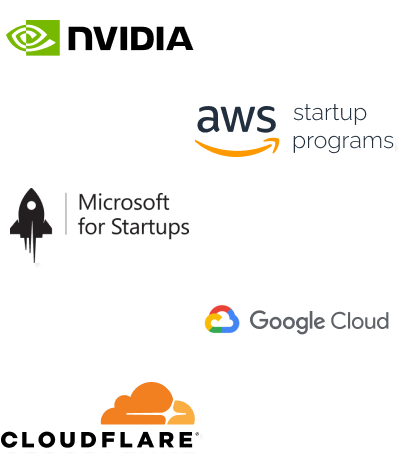
Imagine reducing your operational costs by up to $100,000 annually without compromising on the technology you rely on. Through our partnerships with leading cloud and technology providers like AWS (Amazon Web Services), Google Cloud Platform (GCP), Microsoft Azure, and Nvidia Inception, we can help you secure up to $25,000 in credits over two years (subject to approval).

These credits can cover essential server fees and offer additional perks, such as:

  • Google Workspace accounts
  • Microsoft accounts
  • Stripe processing fee waivers up to $25,000
  • And many other valuable benefits

Why Choose Our Partnership?

By leveraging these credits, you can significantly optimize your operational expenses. Whether you're a startup or a growing business, the savings from these partnerships ranging from $5,000 to $100,000 annually can make a huge difference in scaling your business efficiently.

The approval process requires company registration and meeting specific requirements, but we provide full support to guide you through every step. Start saving on your cloud infrastructure today and unlock the full potential of your business.

exclusive-partnersexclusive-partners
E-Commerce

Shopify

Hosting

Hostinger

Technology

Sentry

CMS

Hubspot

MARKETING

Semrush

HOSTING

Namecheap

Productivity

Evernote

Hosting

Bluehost

Success Stories

Explore More

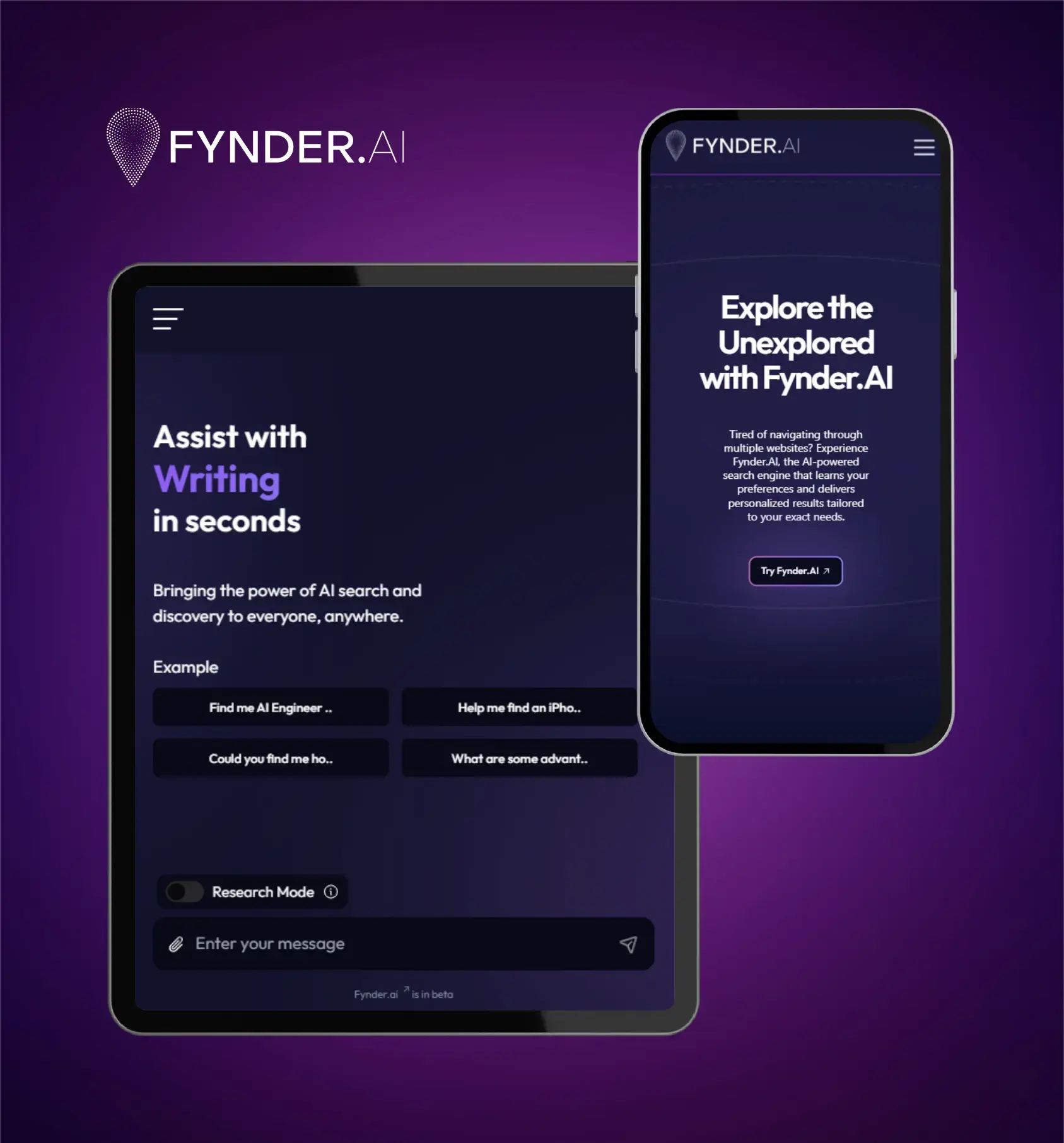
Fynder.AI

Underdog Apparel

Toast DXB

Let's TALK

Let's TALK and bring your ideas to life! Our experienced team is dedicated to helping your business grow and thrive. Reach out today for personalized support or request your free quote to kickstart your journey to success.

Connect Us
Contact Now
DIGITAL PRODUCTUI/UX DESIGNDIGITAL STUDIOBRANDING DESIGNUI/UX DESIGNEMAIL MARKETINGBRANDING DESIGNUI/UX DESIGNEMAIL MARKETING
DIGITAL PRODUCTUI/UX DESIGNDIGITAL STUDIOBRANDING DESIGN

Subscribe our newsletter

Company

  • About Us
  • Portfolio
  • Blogs
  • IVY
  • Services
  • Contact Us
UI/UX DESIGN
EMAIL MARKETING
BRANDING DESIGN
UI/UX DESIGN
EMAIL MARKETING

Our Services

  • AI Development
  • Web Development
  • Mobile App Development
  • Digital Marketing
  • IT Staff Augmentation
  • Facebook
  • Youtube
  • X
  • Linkedin
  • Instagram
footer-logo
  • Email Now
    contact@indusvalley.io

Copyright © 2025 Indus Valley Technologies | All rights reserved ®

Terms & ConditionsPrivacy Policy